⌥space
0:03
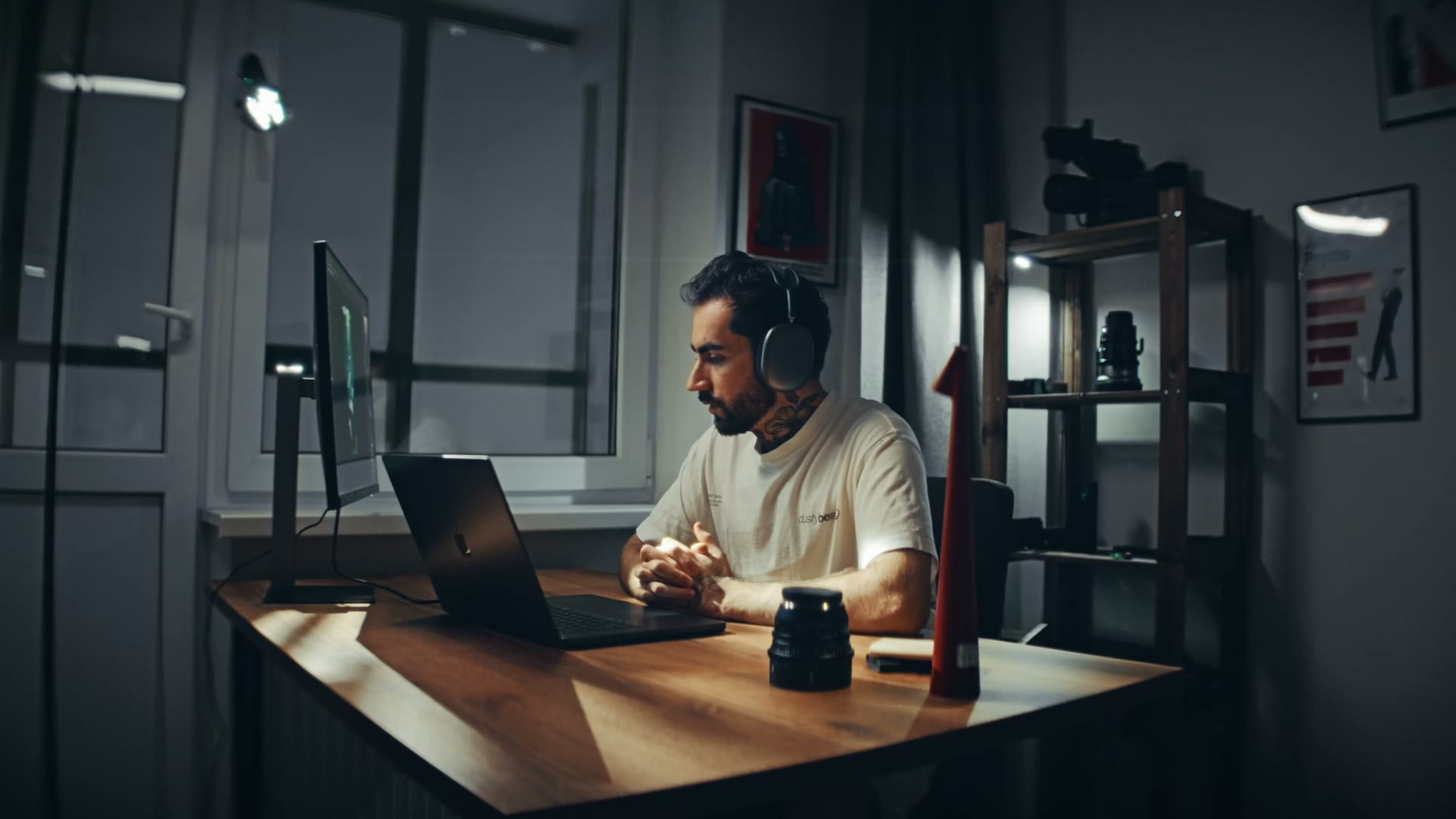
Hold ⌥ SpaceTalk, let go. The text lands wherever your cursor is.
Dictation in any Mac app, and notes from your calls with who said what. In your language: 25 detected as you speak, 99 in all. Your voice never leaves your Mac.
Давай перенесемо design review на завтра, бо в мене deadline о шостій.
Drop the illustration on screen two
You: rewrite the CTA by Thursday
Shepit pastes into whatever has the cursor. No plugins, nothing to connect.
 Slack
 ChatGPT
 Claude
 Cursor
 Figma
 Telegram
 Notion
 Linear
 Arc
 Chrome
 Notes
 Zed
 Gemini
 Perplexity
 Warp
 Ghostty
 Terminal
 Obsidian
 Raycast
 Things
 Craft
 Bear
 ClickUp
 Grok
 Dia
Vibe coders
Explaining a bug out loud takes a minute, typing it takes five. Hold the shortcut in Cursor, Claude Code or the terminal and talk it through.
AgentDesigners
Long image prompts for Midjourney or Higgsfield come out the way you'd brief a photographer. Change a detail by saying it again.
Teams in two languages
Answer in Slack or Telegram the way you'd say it out loud, words from both languages included. Keep Shift held as you let go and it sends.
#designOlenaCan we ship the onboarding today?
Так, але давай ще раз глянемо copy на другому екрані перед release.
Founders and PMs
Shepit records Zoom, Meet or a Slack huddle and hands you who said what, the decisions and the action items when it ends.
Launch the onboarding on Thursday
Olena: final copy for screen two, by Wednesday
Dictation
Slack, Notes, Figma, your browser, your code editor. Shepit pastes the text where your cursor is, then puts your clipboard back the way it was.
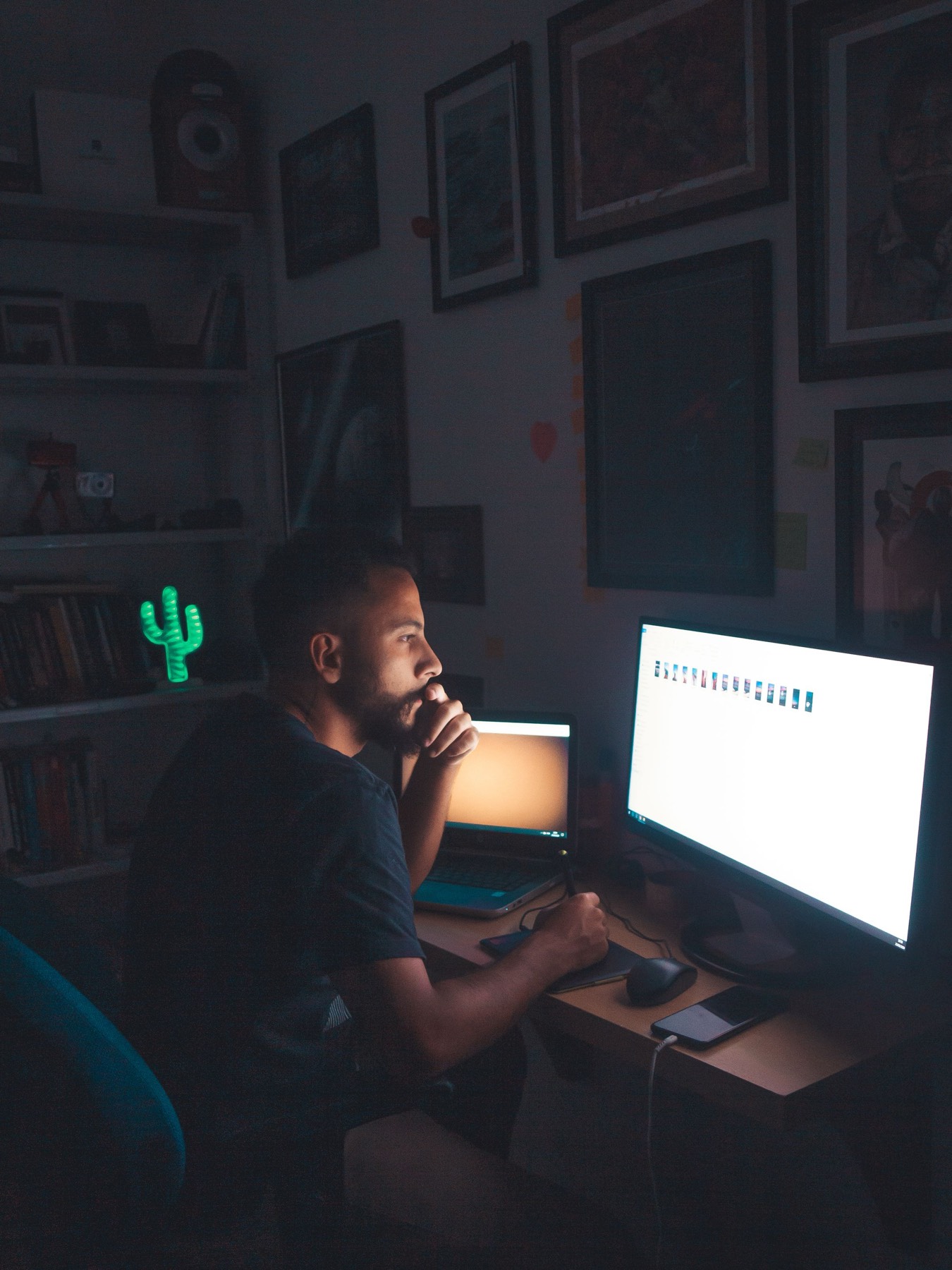

Late, tired, forty messages to answer. Saying them is quicker than typing them.
Today 14:02
OlenaCan we do the design review today?
Hold the button or ⌥ Space and pretend to talk.
Keep ⇧ held as you let go, and it sends.
Cleans up after youUms, ahs and long pauses are gone, punctuation is in. Say “comma” or “new line” if you'd rather dictate them.
Spells your names rightTeach it the words it keeps mishearing, once. Snippets turn “my calendar” into the whole link.
Translates on the wayPress ⌃⌥ Space instead and what you say comes out in English. The translation runs on your Mac too.
Your music waitsWhatever's playing goes quiet while you talk and comes back when you stop.
Any microphoneAirPods, a studio mic or the built-in one. Unplug it mid-sentence and nothing is lost.
A history you can redoReplay any dictation, or run it again through a different model and keep the better one.
Meetings
When Zoom, Meet, Teams, Slack, FaceTime, Discord, Telegram or WhatsApp takes the microphone, Shepit offers to record. It captures your mic and the other side as two tracks. No bot in the participant list. Tell people you're taking notes, the way you would with a notebook.


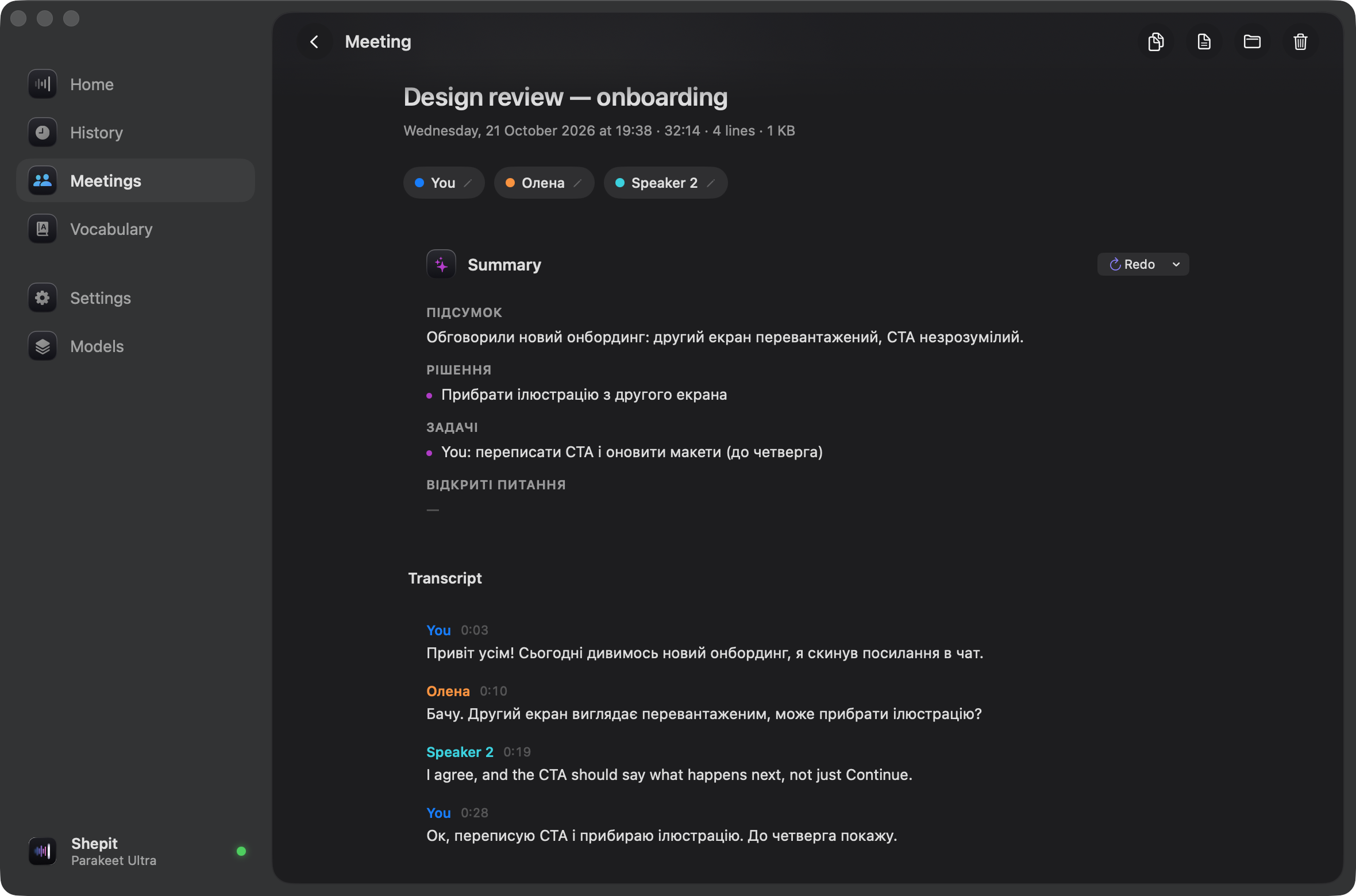
Who said whatYour voice is on its own track, so “You” is never mixed up with anyone else. Rename speakers and play a short sample to tell them apart. Up to four other voices per call.
A summary when it endsDecisions, action items with owners, open questions. Or a follow-up email, ready to send. Written on your Mac, in the meeting's language.
Light on diskOnce a call is transcribed, its audio is compressed. An hour comes to roughly 20 to 30 MB.3
Models
Parakeet runs on the Neural Engine, detects 25 European languages as you speak and is the most accurate we measured for Ukrainian. Whisper speaks 99 languages. Summaries come from Gemma or Qwen, which run locally as well. Nothing downloads until you choose it.
Accuracy in Ukrainian
5.7%
word error rate with Parakeet Ultra, the default model, on FLEURS, a read-speech test.1
Languages
25
detected as you speak. Whisper models cover 99.
One download
632MB
for the speech model. After that, Wi‑Fi is optional.
Accounts
0
Nothing to sign up for. No server ever sees your voice.

Privacy
No accountDownload it, open it, talk. There's nothing to sign up for and nothing to log into.
No cloudSpeech recognition, speaker labels and summaries all run on your Mac. Models download once.
Plain filesYour history and meetings sit in your Library folder. Delete any of it, any time.
I talk to my Mac all day, in Ukrainian and English, often in the same sentence. I wanted dictation and call notes in one app that runs offline and gets both languages right. So I built it, and I use it every day.
Shepit /ˈʃɛ.pit/ is Ukrainian for “whisper.” If something's off, tell me.
lakiza.io →Pricing
Everything runs on your Mac on every plan. No account: a Pro key comes by email.
Yearly BEST VALUE
$59a year
$4.92 a month
Lifetime FOUNDING
$129$79once
$129 after the first 200
Free gives you 5,000 dictated words a week and 3 recorded calls a month, for good, and every new install starts with 14 days of Pro. Pro takes the limits off. Everything runs on your Mac on both. Pricing
Macs with Apple Silicon (M1 or newer) on macOS 14.2 Sonoma or later. Recording the other side of a call uses macOS's system audio capture, which arrived in 14.2.
Yes. You need the internet once, to download a speech model, and a summary model if you want summaries. After that, Shepit works with Wi‑Fi off.
Parakeet models cover 25 European languages, Ukrainian included, and detect the language as you speak. Whisper models cover 99.
Shepit checks for a new version once a day and asks before installing it. Every update is signed, so only real Shepit builds can install.
In ~/Library/Application Support/Shepit. Settings → Storage shows how much space it takes and lets you set limits.